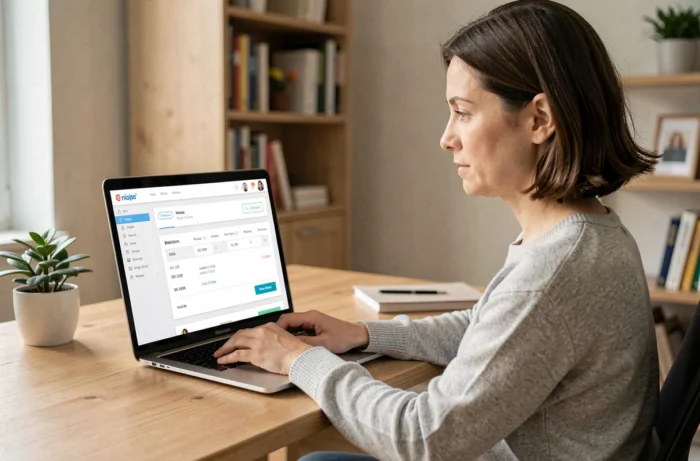
The Orange customer area brings together the viewing, downloading and payment of all bills associated with an internet, mobile, landline or Open plan. Each bill is archived as a PDF and remains available for several years after it is issued.
Orange login details: which account to use for your plan
Before you can view any bills, you need to sign in to the Orange portal with the right login details. The type of account determines what you need to enter in the login field, and getting this step wrong will prevent you from proceeding.
For an internet-only plan, your login is your main @orange.fr email address (or @wanadoo.fr for older accounts). A mobile plan requires the phone number associated with the line. Open customers, who combine internet and mobile services, can use either one.
If you are waiting for your mobile number to be transferred to a new plan, Orange assigns a temporary number to use as your login until the transfer is complete. This number appears on your subscription summary. Once the number transfer is complete, your old number automatically replaces it in the customer area.
Next, enter your account password. If you have forgotten it, the reset process sends a verification code by text message or email, depending on your plan. You can view my Orange bill on my account portal as soon as you are signed in, with no activation delay.
Orange bill in PDF format: view the details and billing history
Once signed in, the “Bills and payments” section displays your latest bill. A “View details” button breaks down the charges: plan, out-of-plan usage, subscribed options and any one-off fees.

The downloadable PDF includes this information in an easy-to-archive format. To find an older bill, scroll down to the “Your bill history” section at the bottom of the same page. Your billing history covers several years, making it easy to compare how your spending has changed or provide proof of payment to a third party.
Switch to itemised billing
By default, Orange bills show a summary. Calls, texts and data used outside your plan are shown as totals. To see details for each communication (number called, duration and date), enable the “itemised bill” option in your billing settings.
This setting takes effect from the next billing period. Bills that have already been issued cannot be itemised retroactively. Keep this in mind before you need the details to resolve a dispute or check your usage.
Pay your Orange bill by card or direct debit
Two payment methods are available in the customer area: direct debit and one-off payment by bank card. Which one you choose depends on how much control you want over the debit date and amount.
- Direct debit charges your bank account on a set date each month. You can change the debit date in the customer area to align it with other payment dates.
- To pay by bank card, go to the “Pay my bill” section and make a manual payment. Simply select the relevant contract, enter your card details and confirm.
- If your bank rejects a direct debit, Orange automatically offers the option to pay by bank card in the customer area. This option usually appears around ten days after the rejection.
If a rejected direct debit is not settled, Orange will send a series of reminders (text message, email and voicemail), followed by a gradual restriction of services. Paying by bank card is the quickest way to restore full access.
Orange et moi app: view and pay your bill on your phone
The Orange et moi app brings the features of the web-based customer area to your smartphone. You can access your latest bill, billing history and card payment options without opening a browser.

The app’s main advantage is its notifications. As soon as a new bill is available, a push notification appears on your phone. This helps you avoid missing a payment or discovering unexpected charges too late.
Accessible bills for people with visual impairments
On request, Orange can send a bill in Braille or large print to your home. This service does not replace the digital bill in the customer area: both versions remain available. You can request the service through customer support, and postal delivery will continue until you cancel it.
What to do if your Orange bill seems unusually high
A higher-than-usual bill is most often caused by out-of-plan usage (calls abroad, premium-rate numbers or exceeding your data allowance while roaming). The details available under “View details” in the customer area help you identify the exact charge that caused the increase.
If the breakdown does not explain the charges, the “Understanding your bill” section provides an explanation of each item. Enable itemised billing before your next billing date to make it easier to track your usage month by month and avoid surprises.
As a last resort, Orange customer support can handle billing disputes. Saving PDF copies of previous bills in a local folder makes it easier to compare charges and speeds up the handling of a complaint.